no SDK required · Built for the art world
Simple web tools that let buyers see art in their own space before they purchase. No extra software or app needed. Works on Shopify, Webflow, WordPress, and custom HTML.
WORKS WITH


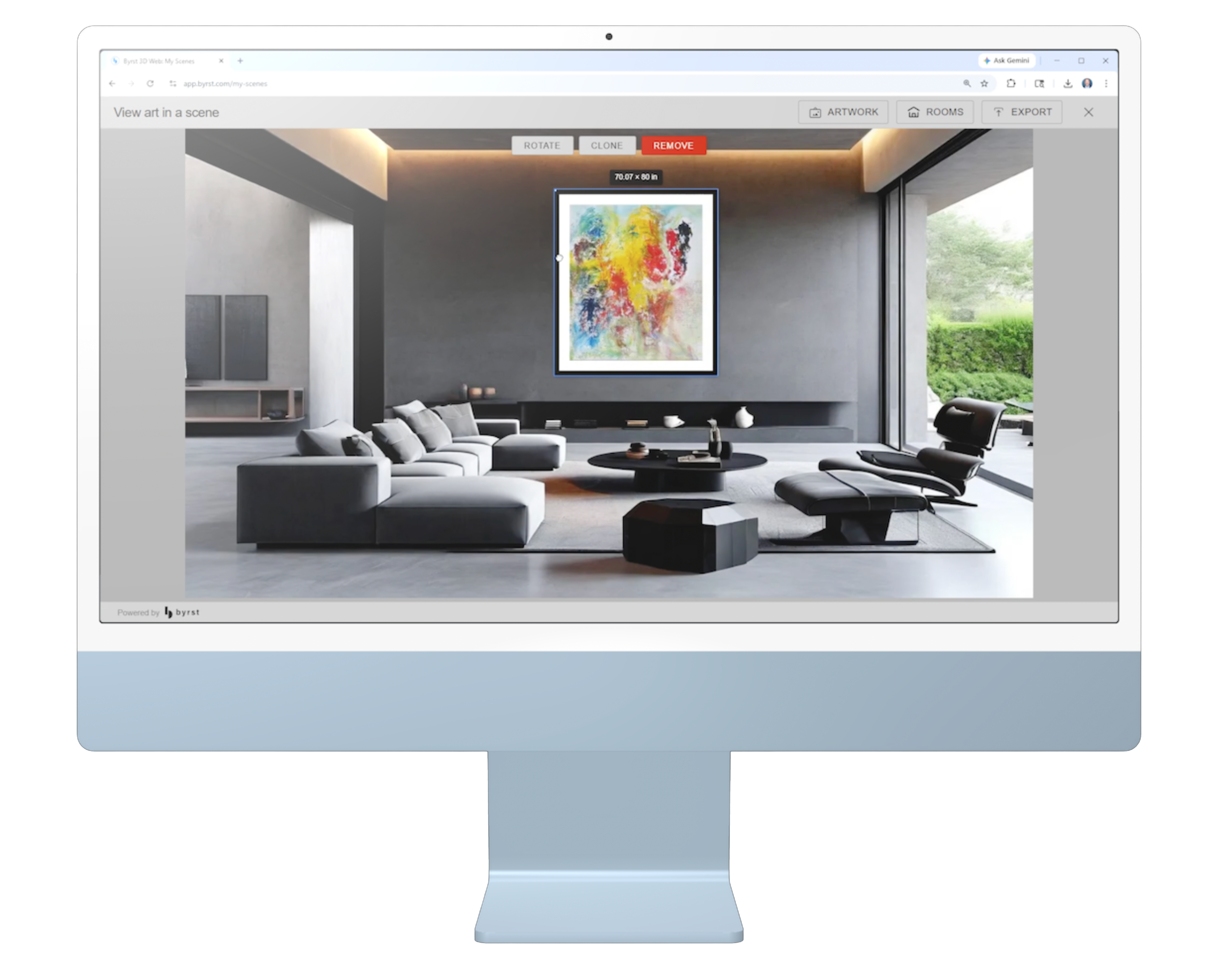
Three purpose-built web components cover every AR and 3D scenario your art platform needs.
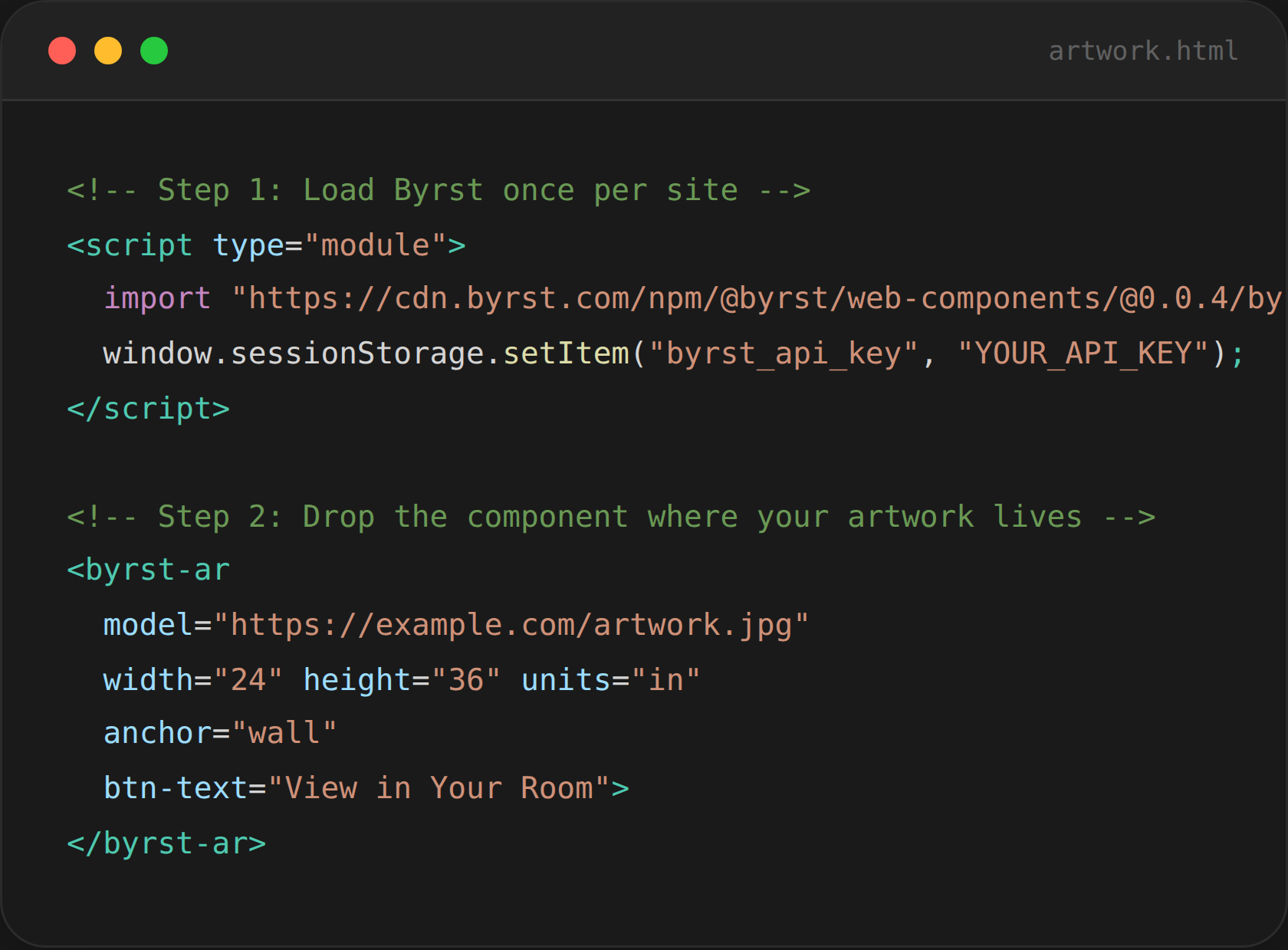
No backend changes, no dependencies, no app store submissions. If you can paste HTML, you're ready.
Create a free account at app.byrst.com, navigate to Account → Manage API Keys, and generate a new key in seconds.
Paste one script tag before your closing </body> tag. That's your entire setup cost, one time, site-wide.
Add a <byrst-ar> tag wherever an artwork lives. Pass the image URL and physical dimensions, done.
Developer-First
Customize with CSS & Events
Every component is fully themeable via CSS custom properties. Wire up your own buttons using slots or external trigger IDs. Listen to lifecycle events for custom workflows.

Control colors, radius, font, padding, icon size, all via standard CSS variables. No JS configuration needed.

Replace the default button with any HTML element using named slots, your button, your style.

Listen for setup-complete and model-complete events to integrate with your existing product workflows.

Wire any existing button to a hidden component using trigger-element-id, no markup restructuring required.
Drop Byrst components into any platform without framework rewrites or specialist integrations.
Does my user need to download an app?
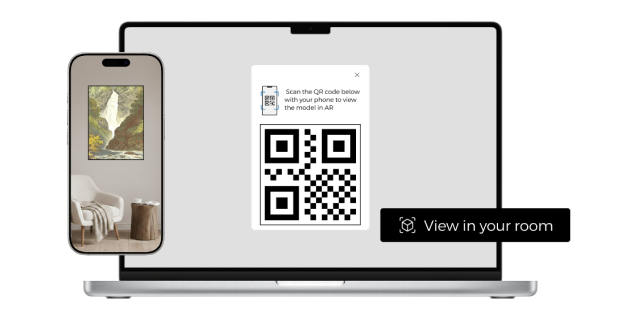
No. AR launches natively in Safari (iOS 12+) and Chrome (Android). Desktop users get a QR code to scan with their phone, zero installs, zero friction.
Do I really only need one image?
Just pass a public JPEG, PNG, or WEBP URL to the model attribute. Byrst automatically generates a high-fidelity 3D model, no uploads, no 3D software required.
Is the AR view true to the artwork's physical size?
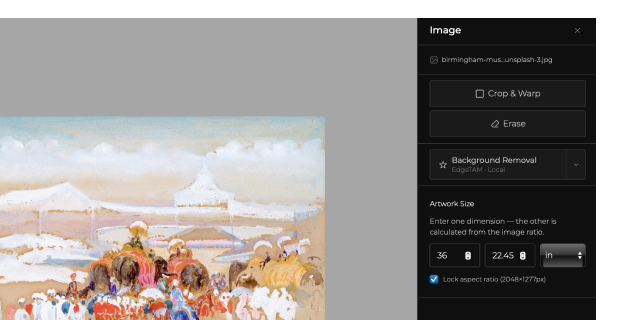
Yes. You specify the physical dimensions using width, height, and units attributes. The AR experience places the artwork at its real-world scale in the collector's room.
Can I match Byrst to my site's design?
Fully. Use CSS custom properties to control colors, typography, padding, and border radius. Or use the slot API to replace the default button entirely with your own HTML element.
What platforms does Byrst work on?
Any platform that lets you add HTML: Shopify, WordPress, Webflow, Squarespace, Wix, and custom-coded sites. If you can paste a script tag, you can use Byrst.
Where can I get an API key?
Create a free account at app.byrst.com, navigate to Account → Manage API Keys, and generate a key. It takes less than two minutes.
Join galleries, auction houses, and art platforms already using Byrst to turn browsers into buyers. Start your free trial today, no credit card required.